
Queue your b-roll and drag it straight onto the timeline
A native Mac app for video editors — line up your shots, render up to 16 clips in parallel, and drag them straight into Premiere, Resolve, or CapCut
Download for MacWeb generators kill the flow
The problem
Cutting a long video means hunting for b-roll non-stop — every clip pulls you out of the editor:
- jump to the browser, generate a still in one tab
- download it, upload it to a video service, wait
- download again, drag the file into your editor
- repeat dozens of times per project
Hailuo (MiniMax) caps you at 2 parallel generations, even on a paid plan — so a clip-heavy project becomes a slow, one-at-a-time grind
The solution
A native Mac app that keeps you in the editor:
- create a still with Gemini 3.1 Image on your own Google AI Studio key — cents per call
- pick a camera-movement preset with a live preview
- send it to Hailuo 2.3 (MiniMax) to turn the still into motion
- drag the finished clip into your editor
The app rotates 4 API keys across 4 slots — 16 clips render in parallel while you keep cutting
Built for every kind of b-roll
Stills, motion, and restyles produced inside the app — each example is 1920×1080

Still → motion
Any photo into a moving shot

Camera-movement presets
Pan, zoom, orbit with a live preview
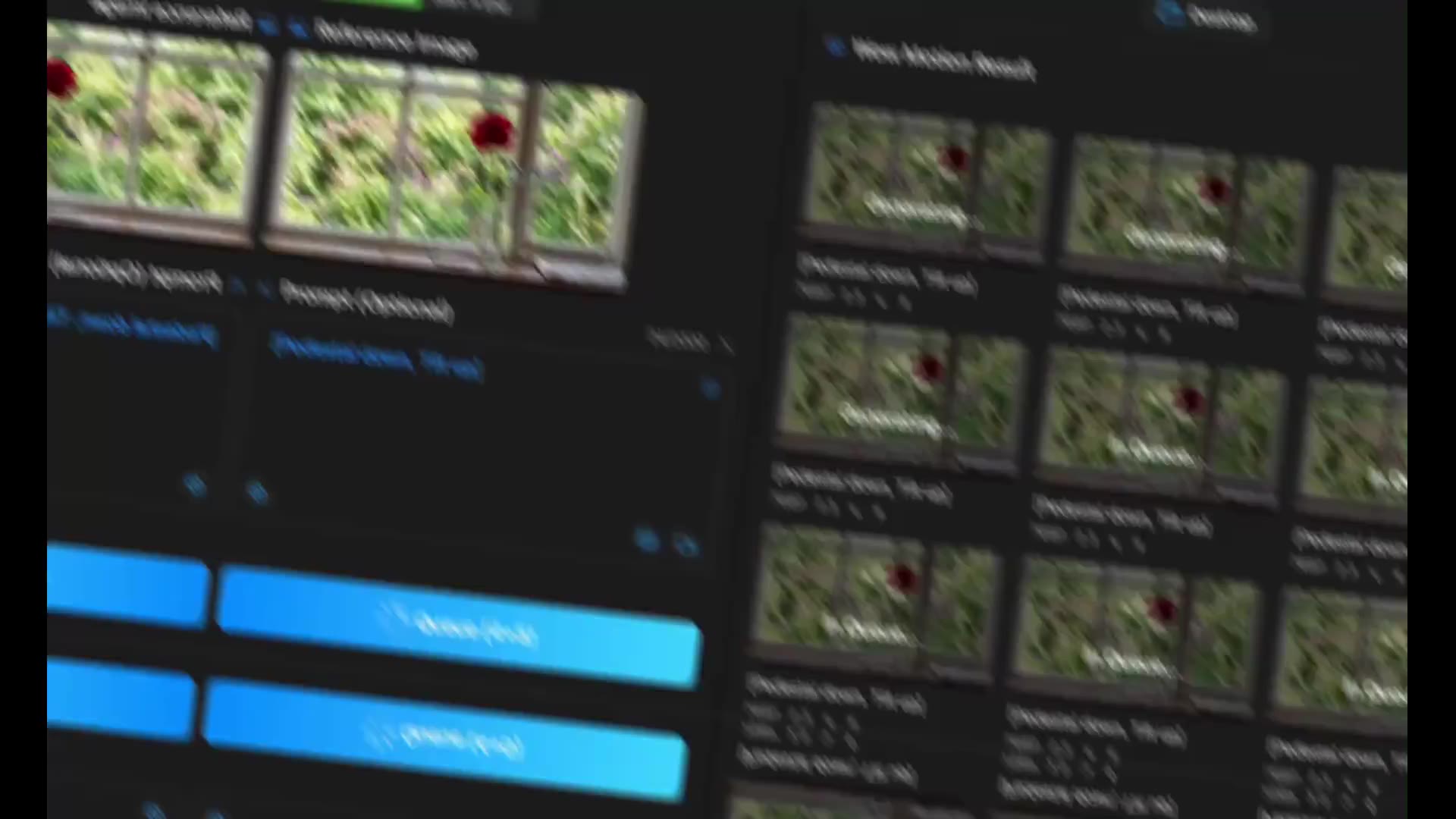
16 clips in parallel
The render queue runs while you keep cutting
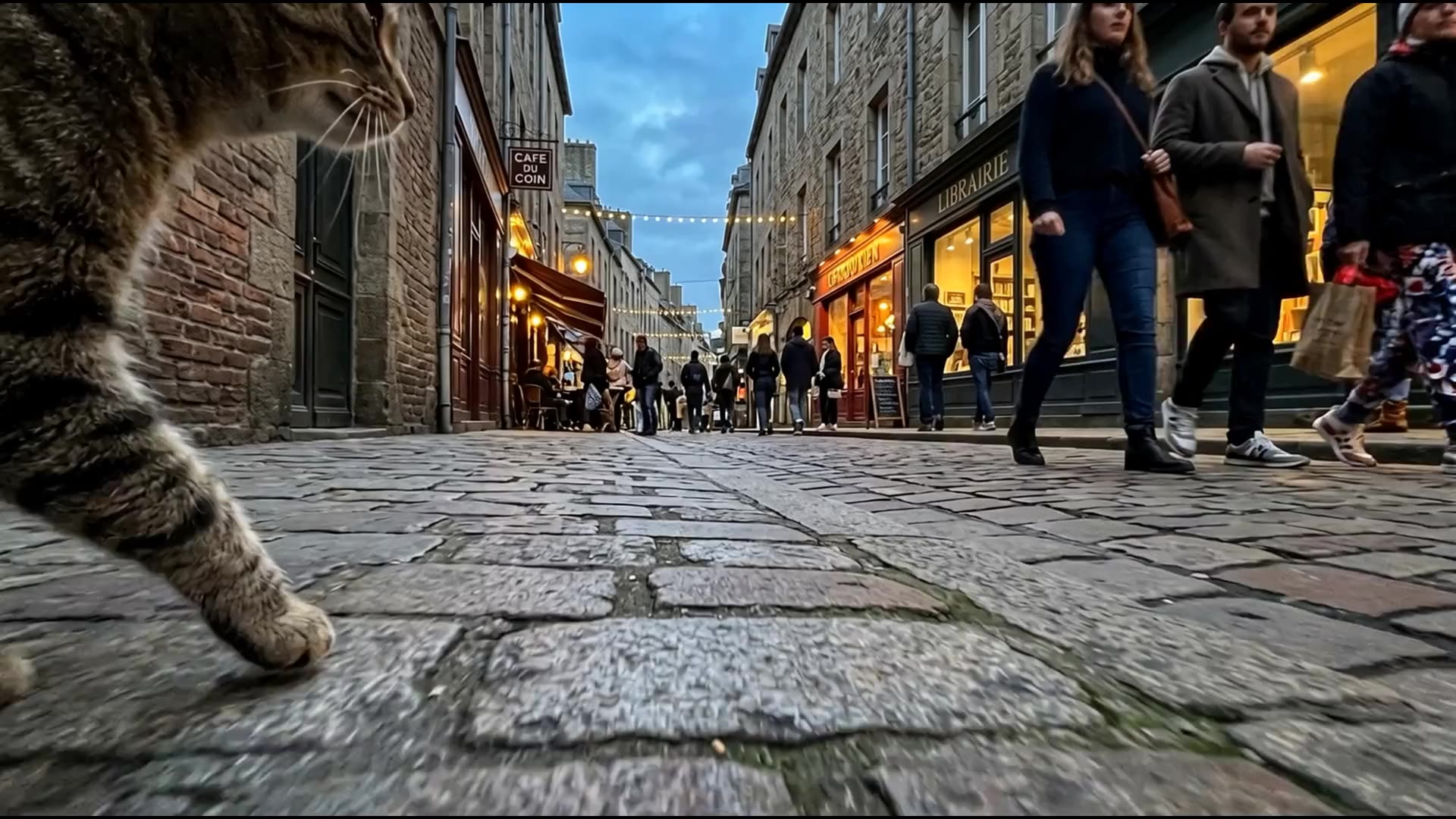
Shot angle presets
Dutch angle, low angle, view from the eyes — one tap on your still prompt
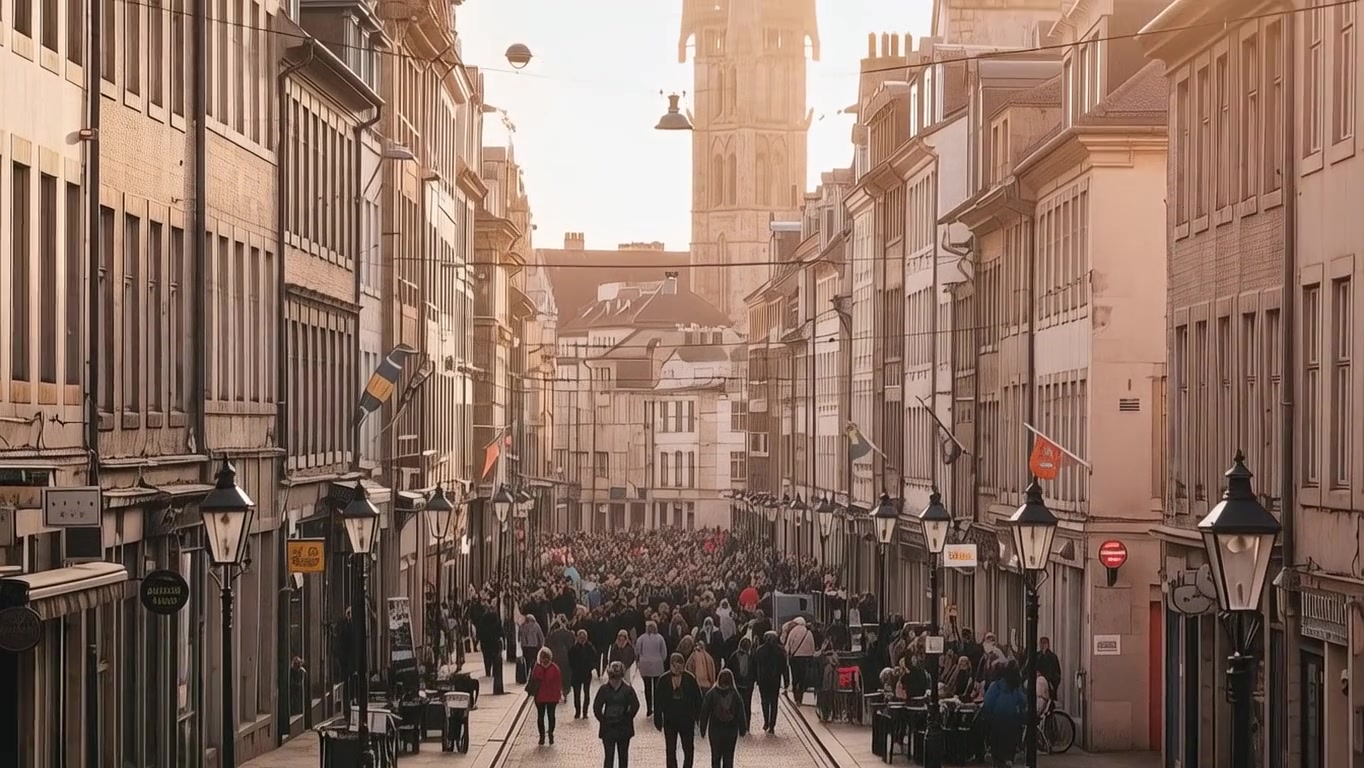
Cinematic scenes
Moody, filmic looks for narrative and documentary edits

Style reference
Drop in a reference still and match the look and grade
You own the API, we sell the app
Wow Image is a one-time license for the macOS application — you connect your own provider API keys (Google Gemini or Hailuo / MiniMax) directly in the app, and you pay those providers on their own terms — we don't resell generations or credits; your usage and your costs stay between you and your provider
Get your keys here: Google AI Studio · Hailuo (MiniMax)
One purchase — lifetime license
No subscription — download free, try for 3 days, then buy once inside the app
Indicative price — final amount at Paddle checkout · 14-day refund policy
From download to your first clip in minutes
Download & install
Grab the DMG and drag Wow Image into Applications
3-day free trial
Start your trial, no card required
Buy lifetime
One-time purchase via the Buy button in the app
Activate with Passkey
Unlock with Touch ID, your license stays on your Mac
A full run, from first shot to timeline
From still to motion clip — without leaving the app
Questions, answered
What does the free trial include?
Where do I get the API keys?
Do you charge me for each generation?
How much do generations cost?
What are the system requirements?
Drag-and-drop doesn't work in my video editor
2. In Premiere, DaVinci Resolve, or CapCut, import that folder into your project.
3. Drag clips from the Wow Motion window onto your timeline in the editor.
Important: the folder in Wow Motion and the folder in your editor must be the same — otherwise drag-and-drop will not work.
Is there a free trial and a refund?
Keep cutting — let the footage come to you
Download Wow Image — 3 days free, every feature, no card
Download for Mac